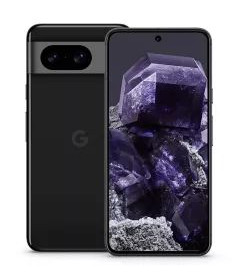
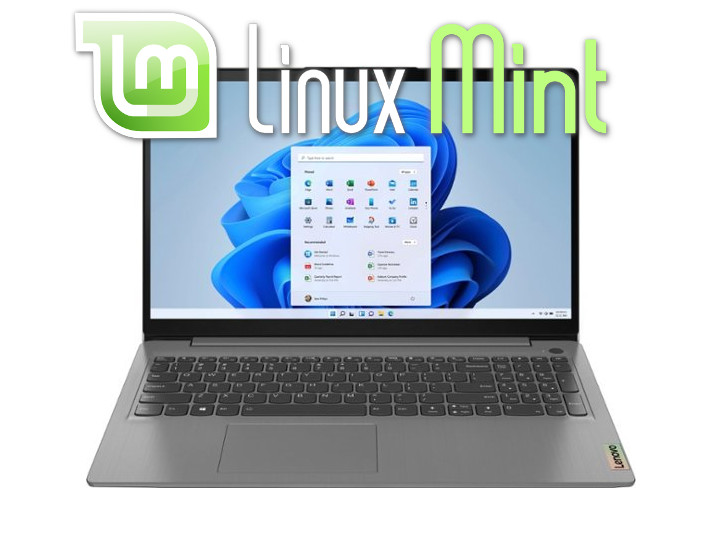
📱💻 How Are Your Phone and Computer Spying on YOU?
Are YOU safe? Is your money, crypto, gold, passwords, and photos truly private?
The Real Question
Can you still have private conversations? Can your microphone or camera be turned on without you knowing? Is your phone really “off” when powered down?
The question is no longer “Am I being spied on?”
The real question is: “How am I being spied on, why, and how do I stop it?”
🔍 HOW Are You Being Spied On?
Your phone, computer, and tablet can collect data without your full consent through:
- 📷 Camera
- 🎤 Microphone
- ⌨️ Keyboard (keyloggers)
- 📍 Sensors / GPS geo-locating
- 📡 Wi-Fi & Bluetooth scanning
- 🔗 IP address & device fingerprinting
📱 On Phones (iOS & Android)
Everything you see or do on Big-Tech social media platforms, they can see. It’s recorded and can be sold or handed over at a mere government’s request.
All of this “Bulk Collection” (mass surveillance) can also be accomplished by your device’s sensors and keyboard. Anything you can do, a hacker — whether Big-Tech, government, or a criminal — can do.
- ✉️ Emails and Texts can be read
- 📄 Every document can be read
- 🖼️ View and upload your pictures
- 📍 Turn location services on and off remotely
- 📞 Speak/Listen to your phone calls
Apps are especially dangerous. Apps like WhatsApp, Facebook, Snapchat, Instagram, Twitter (X), LinkedIn, and many others can:
- 📷 Access both front and back cameras
- 🎥 Record you anytime the app is in the foreground
- 📸 Take pictures and videos without telling you
- ☁️ Upload them immediately or in the background
- 🔴 Livestream your camera to the internet
- 😃 Run real-time face recognition
A documentary maker once installed a “Find My Phone” app, let the phone be stolen, and spied on the thief’s entire life — from brushing teeth to intimate moments.
Read this enlightening article from The Guardian:
“Are your phone camera and microphone spying on you?”
Want to see exactly how much info Google is getting from your phone?
💻 On Computers — Especially Windows 11
Windows takes spying to a whole new level with built-in, always-on features:
-
📡 Telemetry & Diagnostics
Microsoft collects hardware info, app usage, performance data, browsing habits (in some modes), and crash reports by default. Even “Required” telemetry cannot be fully disabled on Windows 11. Your computer constantly phones home to Microsoft. -
📸 Windows Recall (Copilot+ PCs)
This controversial AI feature takes periodic screenshots of everything on your screen — apps, documents, chats, browsing history, and even deleted content. It creates a fully searchable timeline of your entire digital life. Huge privacy risk if your device is ever compromised. -
🤖 Copilot & AI Features
Microsoft’s AI has deep access to your files, search history, open documents, and system context. It integrates directly into File Explorer, Edge, and many other parts of Windows. -
☁️ OneDrive Cloud Sync
If enabled, Microsoft automatically scans your files for “malware” or CSAM. Anything you sync to OneDrive (Documents, Desktop, Pictures, etc.) gives Microsoft direct access to your personal files. -
⌨️ Keyloggers & Typing Data
Windows built-in “Inking & Typing Personalization” sends samples of what you type back to Microsoft. Combined with malware, full software or hardware keyloggers can capture every password and message.

❓ WHY Are They Spying on You?
Big-Tech companies, governments, and hackers aren’t collecting your data by accident. There are three primary motivations:
1. 💰 Greed — Your Data Is Extremely Valuable
Your personal information is one of the most profitable commodities on the planet. Every search, video, message, and location generates massive revenue. Companies like Google and Meta make hundreds of billions of dollars per year selling targeted advertising based on your behavior. The more they know about you, the more money they make.

2. 🎯 Control and Power — They Want to Predict and Influence Your Behavior
With enough data, they don’t just observe you — they can predict and shape what you do. This is called psychographic profiling. The Cambridge Analytica scandal revealed how Facebook data was used to micro-target voters and influence elections. The same tools are used daily to manipulate your purchases, opinions, and worldview.
3. 👁️ Surveillance — Your Data Becomes Leverage
Governments and powerful entities use your data for control. It helps them monitor dissent, apply pressure, or suppress opposition. In the wrong hands, your private life becomes a tool that can be weaponized against you.
🛡️ What Can You Do About It?
For Phones
- Switch to a deGoogled phone (GrapheneOS, CalyxOS, IodeOS, or LineageOS). See our blog “DeGoogled Phone Operating Systems” to learn more.
- Use privacy-focused apps: Session, Signal, Proton Mail, Tutanota
- Install apps only from F-Droid or Aurora Store
- Deny camera/mic access unless absolutely necessary
For Computers — The Linux Advantage
- No forced telemetry
- No Windows Recall screenshotting
- No Copilot or OneDrive scanning
- Strong protection against keyloggers
Recommended: Linux Mint (easiest), Fedora, CachyOS, or NixOS.
🚀 DO SOMETHING — Join the Privacy Revolution
You now have the facts. Don’t Fail To Implement (FTI).
Start today:
1. Get a deGoogled phone
2. Switch your computer to Linux
3. Use encrypted tools
Start decentralizing everything. Your money, your kids’ education, your food, your water, and your digital devices. This is building Sovereign systems that put YOU BACK IN CONTROL.
Check out our resources page for more on Privacy, Money, Education, Communications, & Health Sovereignty.
You can get deGoogled Phones & Linux Laptops here.
Soli Deo Gloria